 Oplito
On-device AI
Clear what rebuilds itself
A Mac cleaner that explains every item first
One scan finds caches, browser data and leftovers, explains what each is before you tick it, and ticks only what regrows by itself. Nothing irreplaceable is ever pre-ticked.
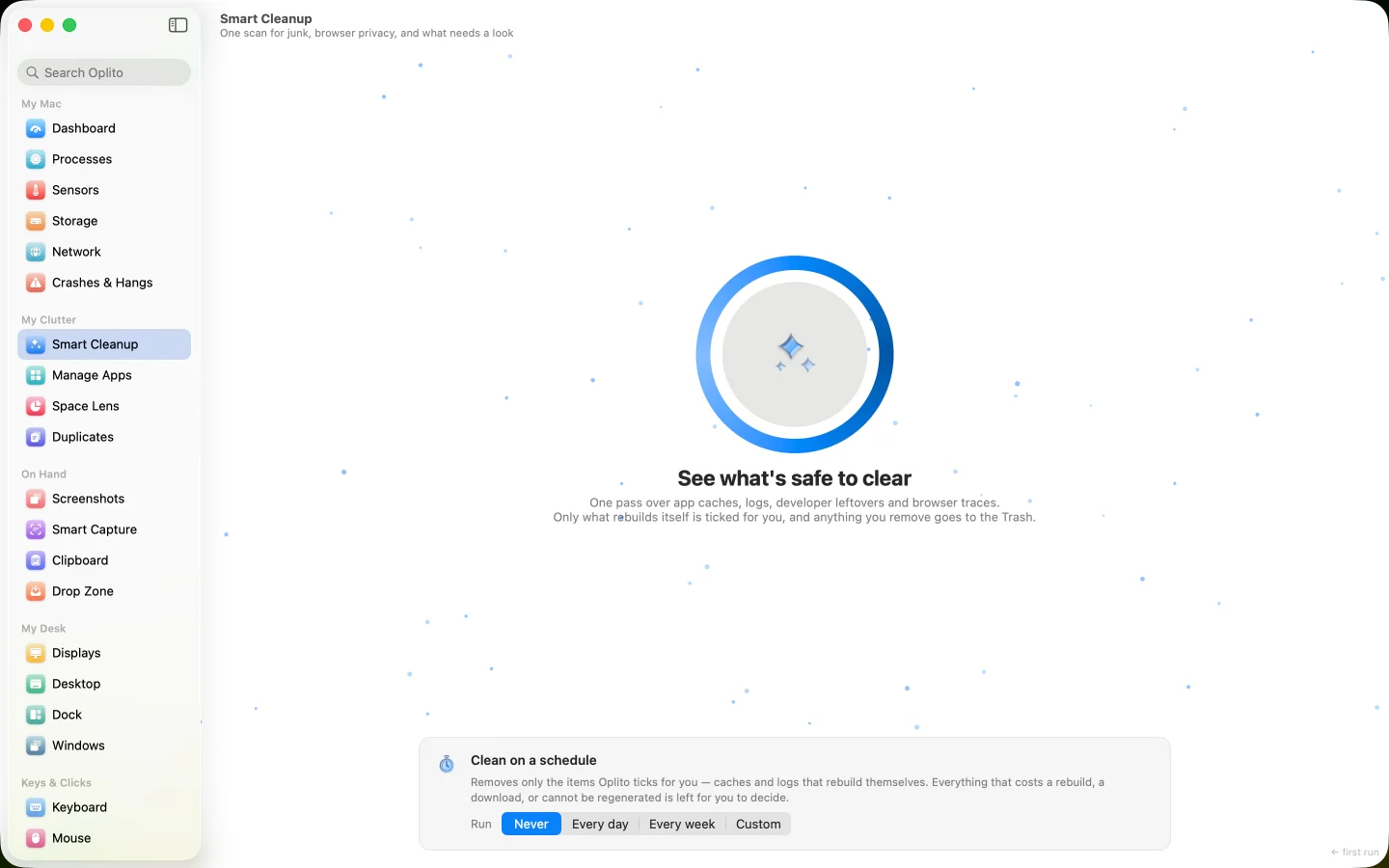
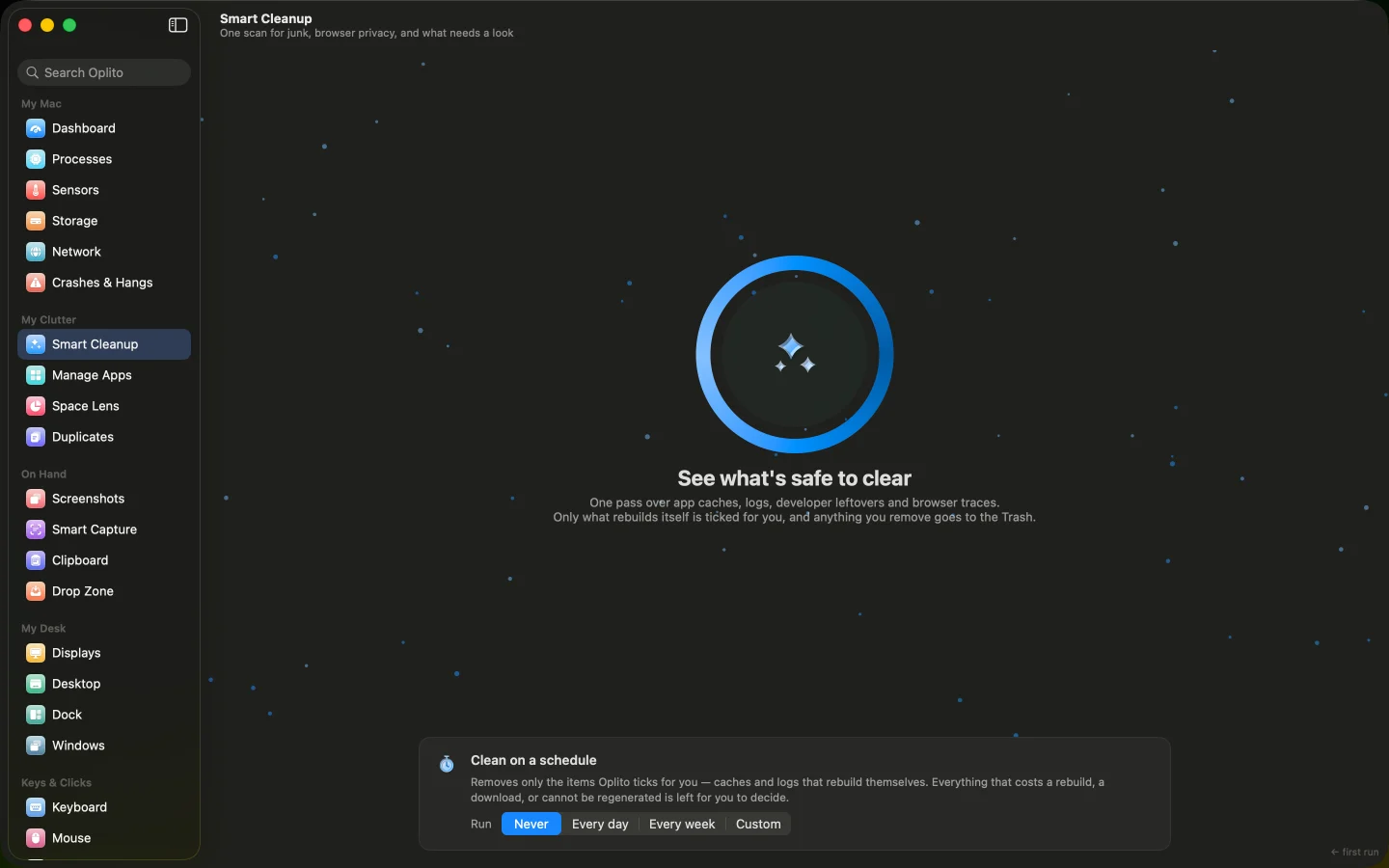
A capture of Oplito, running on a Mac. Its readings are that Mac’s.
On-device AI · Cleanup
The AI in Smart Cleanup
Explains what a cleanup item is and why it is safe to clear, before you clear it.
Apple's model or Oplito's, on your Mac · its own switch in Oplito
Film
See Smart Cleanup at work
What Smart Cleanup does
One scan finds caches, browser data and leftovers, explains what each is before you tick it, and ticks only what regrows by itself. Nothing irreplaceable is ever pre-ticked.
Know before you tick
Each group says what the data is, what happens after it is gone, and what depends on it, so you decide with the facts in front of you.
Safe by default
Only things that rebuild themselves arrive ticked. Anything that costs a download, a rebuild or cannot be regenerated starts unticked.
Cleaning without chores
Set a schedule and the Mac tidies itself at the exact time you choose, removing only what Oplito would have ticked for you.
How it works
How to use Smart Cleanup
- 1
Open Smart Cleanup and click the orb to start the scan.
- 2
Read each group's three sentences, then tick or untick items.
- 3
Quit your browsers, then press Clean and read the confirmation.
- 4
Optionally pick a schedule below the findings: Never, Every day, Every week or Custom.
Details
The details
What you see
- Three sections Junk, Privacy and Review. Junk is caches and logs, Privacy is one card per browser, and Review holds things yours to remove but never ticked for you.
- Rows say their risk Each group carries a badge: Rebuilds itself, Re-downloads, Slow to rebuild or Can't be regenerated. Items untouched for 90 days are marked Unused.
- Only what exists is shown A category that is missing or empty on your Mac is not drawn. A Mac without Rust never sees a Cargo row.
- Blocked folders are shown A folder macOS refused to open appears with a lock note and no tick, naming the narrowest permission that would open it.
- A warning that fits your ticks The confirmation reads what is ticked, such as being signed out of websites, never a generic warning about rows you did not choose.
What it never does
- It never pre-ticks cookies, history, archives or the Trash.
- It shows no scare counts: only locations that exist and hold something.
- It never shows a locked folder as empty; it names the permission that would open it.
- Sections
- Junk, Privacy, Review
- Junk catalogue
- Nineteen kinds of location, shown only where they exist and hold something
- Pre-ticked
- Only items that rebuild themselves
- Unused badge
- Nothing touched in 90 days, a strong hint rather than proof
- Review
- Xcode Archives, Simulator Devices and the Trash, never ticked
- Trash
- Erased outright rather than moved; every mounted drive has its own
- Schedule
- Never, daily, weekly or custom, at the exact minute you type
- Custom schedule
- Every N days, weeks or months, up to three months
- Scheduled clean
- Runs while Oplito is open; a missed run happens when the app next opens
- Cancel
- A cancelled scan commits nothing
Privacy
Permissions and privacy
Scanning and cleaning happen on your Mac. The optional Explain button, off by default, uses an on-device model and sends only category, size and folder summaries, never file names or contents.
Permissions it needs
Full Disk Access for the Trash and Safari; Other Apps' Data for other apps' files in Library; Removable Volumes for drives. Without them the group shows with a lock note and no tick.
What it reads
The folders it scans for caches, browser data and leftovers.
What leaves your Mac
Nothing. Scanning and cleaning happen on your Mac. The optional Explain button, off by default, uses an on-device model.
Questions about Smart Cleanup
Can it delete something I need?
Only items that rebuild themselves arrive ticked. Cookies, history, archives and the Trash are yours to tick. Everything cleaned goes to the Trash, except the Trash itself, which is erased outright.
Will the schedule run while the Mac is asleep?
No. It runs while Oplito is open, and a run missed during sleep or logout happens the next time the app opens.
What does a scheduled clean remove?
Only what Oplito would tick for you: caches and logs that rebuild themselves. It never uses your current selection, and it announces what it did when it finishes.
Why does a group show a lock?
macOS refused access. The group stays visible with no tick and names the narrowest permission that would open it, instead of pretending the folder is empty.

Every tool. All the AI. One price.
All 30 tools and every AI feature for $99 once, or $39 a year. Try them all free for 7 days at launch, cancel any time.
One email at launch, and nothing else · macOS 26 on Apple silicon